Grenade Mod
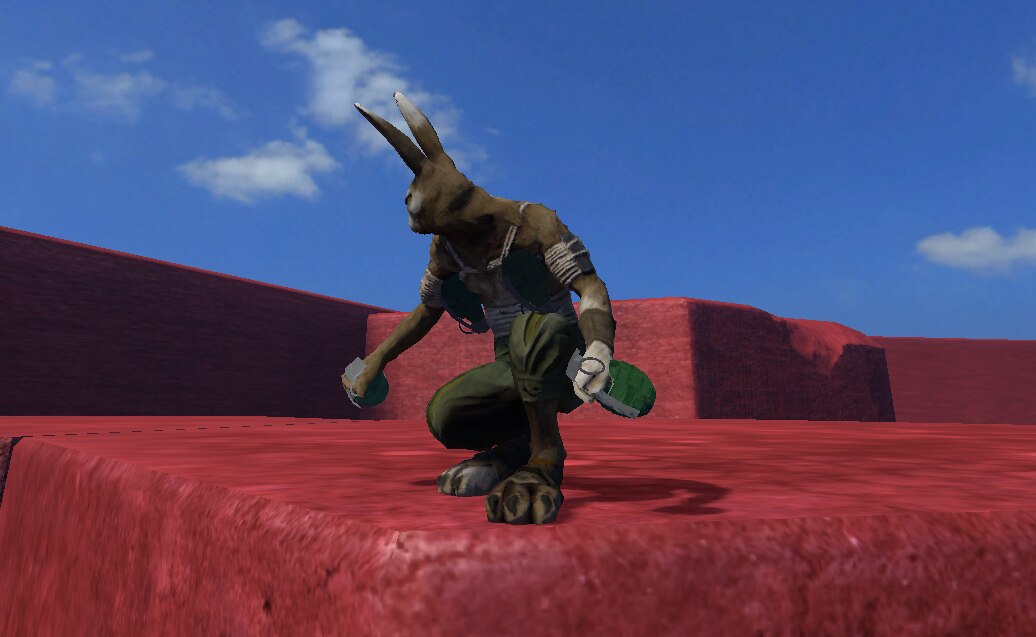
A grenade that can be thrown, cooked and dropped.
How to enable the mod:
- Click on "Mods" from the main menu
- Look up "Grenade Mod" and press the checkbox in front of it.
How to add a grenade to the level:
- Open up a level.
- Press f1 to go into editor mode.
- Click Load->Interactive Items->Grenade.
- Place the grenade somewhere in the scene.
How to use the grenade:
- Pick up the grenade with "q".
- Throw the grenade with "q" to the closest enemy.
- Press "e" to sheathe and unsheathe the grenade.
- Hold "shift" and press "q" to drop and unpin the grenade.
- The grenade can be unpinned and sheathed or unpinned and thrown for more fun times.
The grenade can not be saved and then loaded again in a level.

