Water Textures – Natural Water Surfaces
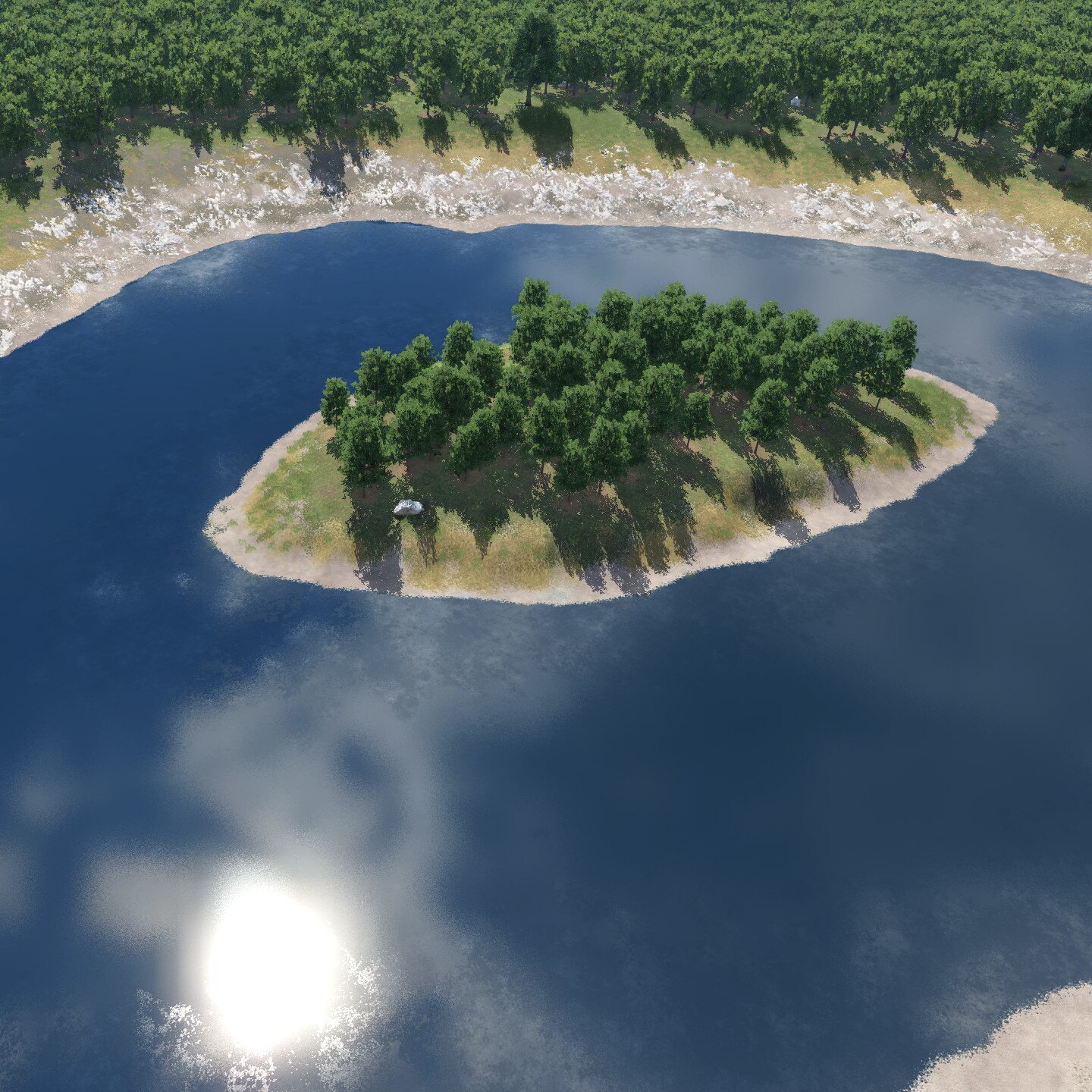
Here you can find version 1.3 of the "Water Textures – Natural Water Surfaces" (earlier "Terrain textures for natural water surfaces") for the paint tools.
Since version 1.3 waterways (streets with water textures) are available from WernerK (design and icons for them are also from him). He also tested development versions of the water textures mod (1.3) and supported me with feedback and hints.
Due to a limit of characters for a workshop description, this description is reduced. Because of the limitation I even contacted Steam support some time ago.
You can find the full description on the German Transport Fever community platform:
The contents of this workshop description may be optimized in the near future.
- 49 textures for the painting tools (6 textures in 8 colors each + 2 foam textures)
- the 6 textures per color differ in
- smooth:
- clean
- dirty
- wavy (based on an original wave texture):
- Small waves
- Scaling low
- Medium scaling
- Scaling high
- smooth:
- 2 colors roughly correspond to the color of the water in the game (temperate / dry, tropical)
- 24 streets as waterways (8 street kits with 3 streets each) with several setting options
- the 3 streets per kit differ in width
- Mod settings (Thanks to VacuumTube for the suggestion!)
- Settings via script extra_mod_settings.lua (selectable via mod settings)
Many terrain materials could cause massive performance problems in previous game builds, but at the latest as of build 31994 these should no longer occur. If you still experience problems, please let me know.
- reduce the texture setting in the game’s graphics settings
- deactivate terrain materials in the mod settings
Attention: If whole mods, single terrain materials or streets are deactivated for a savegame and affected terrain materials or streets were already used in it, they will be removed respectively replaced by placeholders at the next load!

Please note that the alternative settings will be deleted by a mod update and by repairing the game, so the extra_mod_settings file should always be backed up. Also, the alternative settings do not work for published savegames or maps, but only for you locally.
- Path to an example script: […]/Steam/steamapps/workshop/content/1066780/2014569888/documents
- Path to the alternative settings: […]/Steam/steamapps/workshop/content/1066780/2014569888/res/scripts/relozu_terrain_material_water/extra_mod_settings.lua

If you want to change the hOffset value, please test these changes first in a test savegame. Foam textures become visible more quickly with a higher hOffset value when applied, but existing foam surfaces also change:


- for the terrain materials there are 10 texture files in total
Water Textures on transportfever.net:
https://www.transportfever.net/filebase/index.php?entry/5246/&l=2
(partially manually edited computer translation)

