SAVE Mission Module
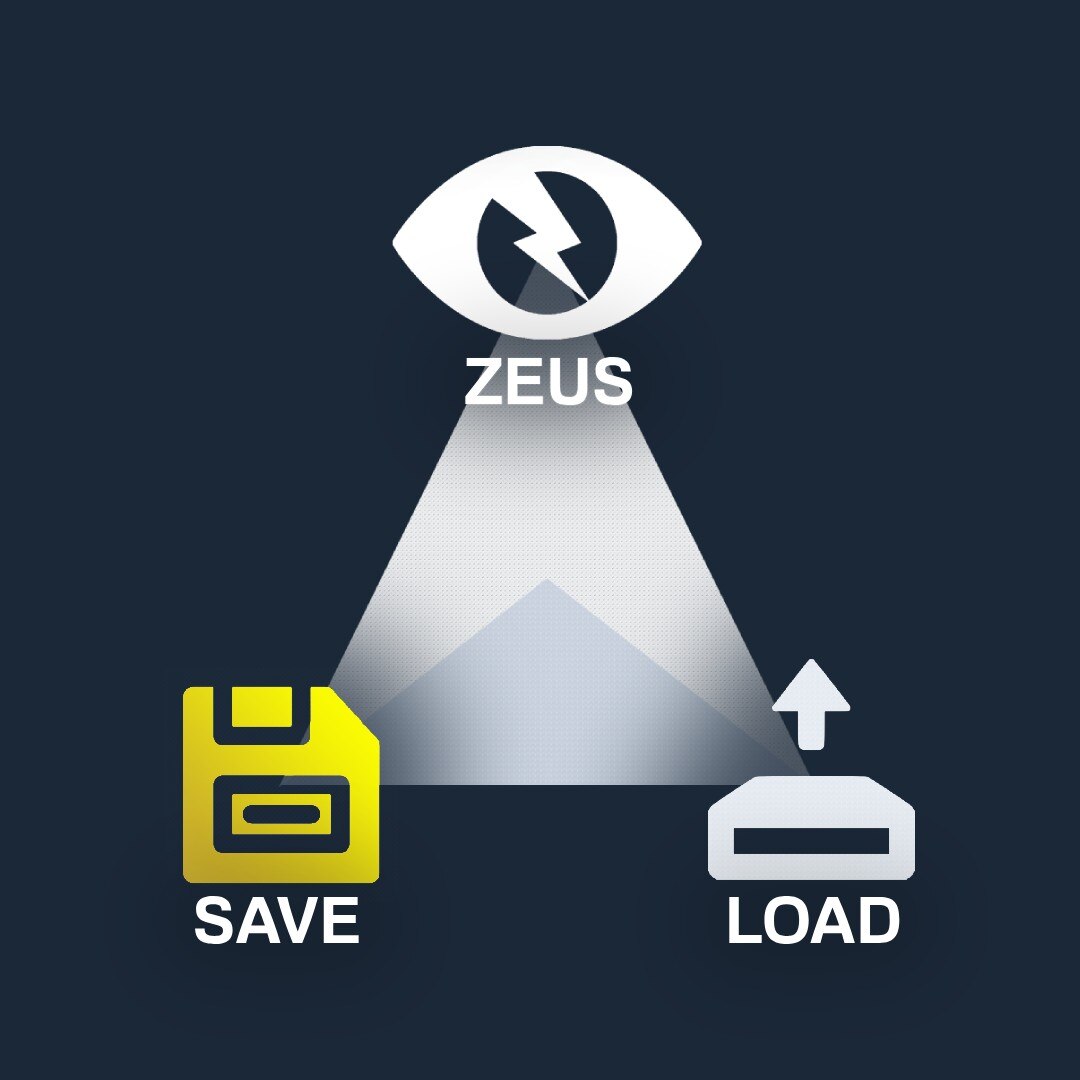
Tired of all your work being erased after each session? Worry no more! Now you can save the unique missions you create in Zeus and load them again when you encounter a new player-base. I hope this empowers mission-makers and Zeuses to put effort into making creative/intricate missions, now that they can be saved and replayed!
▼ Saves the following types of objects (within the given radius):
• Simple objects (static objects spawned with createSimpleObject)
• Mission objects (Structures and other objects placed by Zeus)
• Vehicles (every dynamic vehicle and their respective crews)
• Units (all units and their respective groupings)
• Map Markers
▼ Saves the following attributes of objects (within the given radius):
• Object/Vehicle/Unit Position
• Object/Vehicle/Unit Orientation
• Object/Vehicle/Unit Hidden State
• Object/Vehicle/Unit Materials/Textures
• Object/Vehicle/Unit Damage Values
• Vehicle Fuel Values
• Vehicle Attributes/Appearance (i.e. camo nets)
• Group Leaders
• Group Waypoints
• Unit-Vehicle Seating Positions (driver, gunner, commander, etc.)
• Unit Loadouts/Identities/Faces/Voices
1. Create your mission in 3DEN or Zeus.
2. Select this module-composition in Zeus.
3. Place the module at center of your mission.
4. Define a radius (in meters) for the mission zone.
5. Give the mission a unique name to be saved as.
6. Save the objects within the radius (in meters).
7. Use the ‘LOAD Mission Module’ to do any of the following:• View all the missions saved on your profile.
• Delete any mission from your profile.
• View/copy the SQF that creates the mission.
• Load the mission into the game (run the SQF server-side).WARNING:
The mission SQF will be saved in your profile data.
It also stores the loadouts, paths, and other stats.
Over time, saving many large missions will bloat
your profile size, potentially causing lag when
pausing/unpausing the game (or anywhere else the
script command `saveProfileNamespace` is utilized).
Because of this, I recommend you only store up to
10 normal sized missions in your profile before
saving them into a seperate text file on your PC,
and subsequently deleting them from your profile
with the menu from the ‘LOAD Mission Module’.DEPENDENCIES:
(1) LOAD Mission Module
– https://steamcommunity.com/sharedfiles/filedetails/?id=3024873677
GitHub: https://github.com/M9-SD/A3_M9SD_SAVE_LOAD_Mission_Modules
License: https://github.com/M9-SD/A3_M9SD_SAVE_LOAD_Mission_Modules/blob/main/LICENSE
Workshop: https://steamcommunity.com/sharedfiles/filedetails/?id=3024869633
Author: M9-SD
Discord: m9_sd
- Q: Why doesn’t it work (it just places a helipad down)?
A: The server needs zeusCompositionScriptLevel=2;[community.bistudio.com]. - Q: Why does the menu say EZM at the top?
A: This was part of EZM in the past until a game update stopped it from working
(It has since been upgraded and converted into this composition).
▼ GUI Overhaul:
• Customizable color scheme from game settings
• Larger input box for the mission name
• Radius slider with 3D area visualization
▼ Save functionality:
• Unit garrison state (stop garrisoned AI from wandering off)
• Object blacklist (don’t include certain unwanted objects)

