Open All Containers [42MP]

Open all containers. When you look inside a container, it will open (you can disable this in ModOptions). Then, with the container selected, you can close or open it by pressing the ‘E’ key (you can change the key in ModOptions). If you want, you can enable Auto-close in ModOptions. New option to change the Tick Rate. Added a world context menu option to enable/disable Auto-close for chosen containers (for build 42.12, 42.13 and 42.15).
Mod Options is now available for both build 42 and 41. For it to work on build 41, you need to have the mod ‘Mod Options (Build 41)’ enabled.
It is safe to add or remove items mid-game. However, if you remove the mod, the opened containers will no longer be visible but will still be there, and you won’t be able to move them.
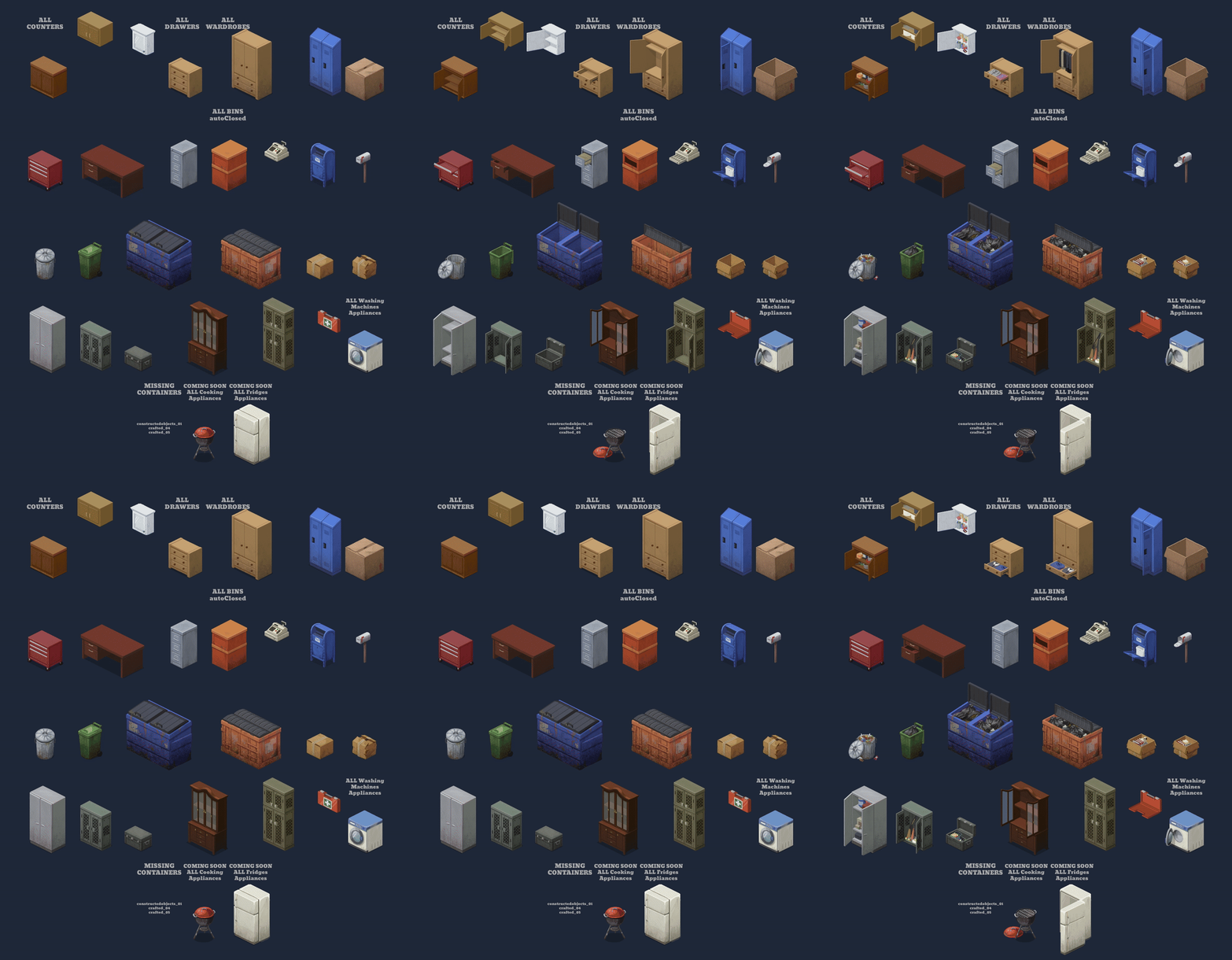
Future plans:
- Add new ModOption "not see what’s inside until you open it".
- Add the remaining containers.
- Add overlays.
- Add sound when opening and closing containers.
Compatible with:
Translations:
- Brazilian/Portuguese: RexTollBar
Workshop ID: 3465040406
Mod ID: OpenAllContainers
Download
Revisions:
Old revisions of this mod are available below. Click the link to download.

