LOAD Mission Module
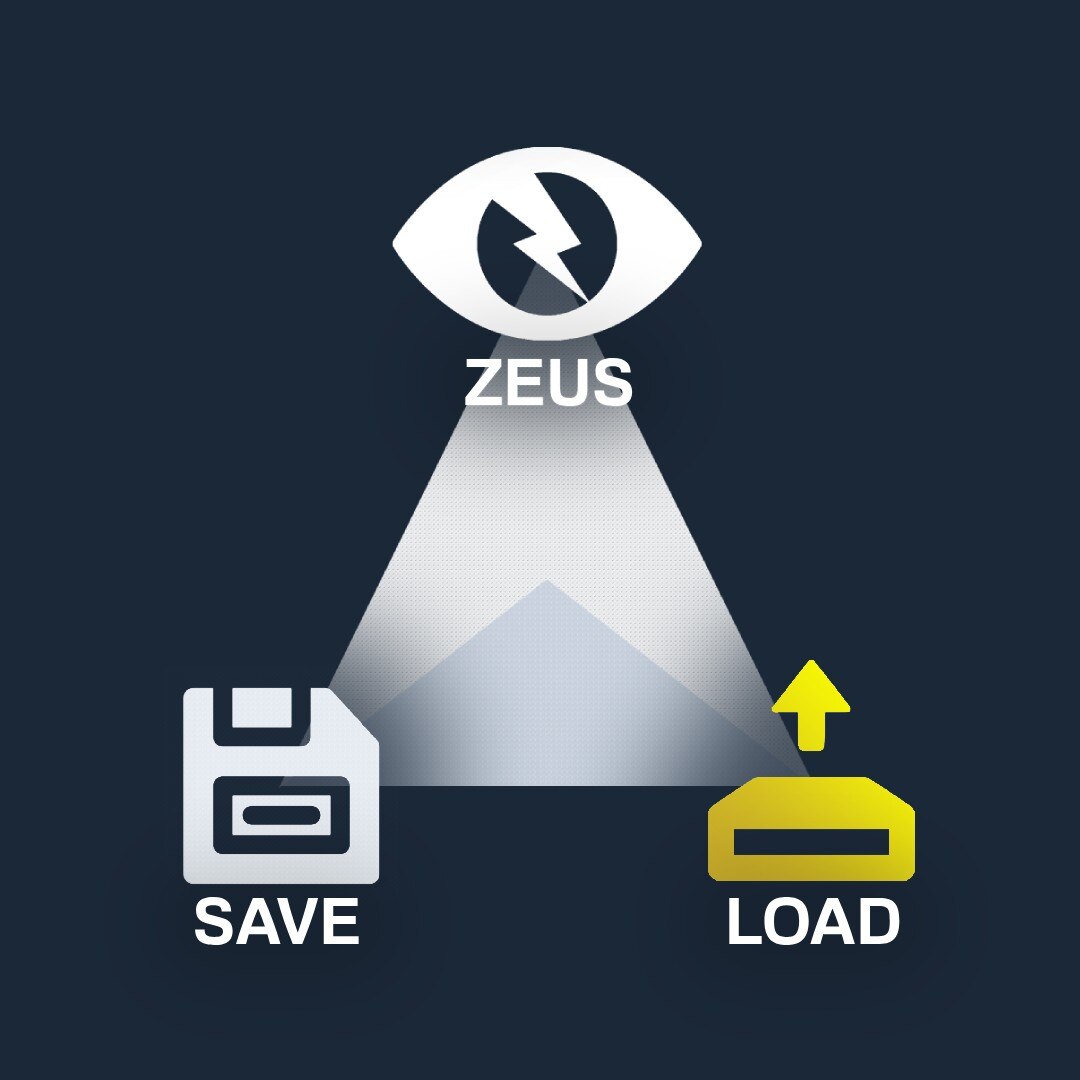
Tired of all your work being erased after each session? Worry no more! Now you can save the unique missions you create in Zeus and load them again when you encounter a new player-base. I hope this inspires mission-makers and Zeuses to put additional effort into making creative/intricate missions, now that they can be saved and replayed!
• View all the missions saved on your profile (sorted by map).
• Delete any mission from your profile.
• View/copy the SQF that creates the mission.
• Load the mission into the game (run the SQF server-side).
1. Select this module-composition in Zeus.
2. Place the module anywhere.
3. Select the desired mission.
4. Click the LOAD mission button.NOTE:
After selecting LOAD mission, it will run the SQF server-side.
Depending on server performance, this may not be instantaneous.
The mission will spawn at the exact position it was saved.
All mission objects/vehicles/units will be added to the interface
(Except for simple objects[community.bistudio.com]
– which cannot be added to the Zeus interface for some reason).DEPENDENCIES:
(1) SAVE Mission Module
– https://steamcommunity.com/sharedfiles/filedetails/?id=3024869633
GitHub: https://github.com/M9-SD/A3_M9SD_SAVE_LOAD_Mission_Modules
License: https://github.com/M9-SD/A3_M9SD_SAVE_LOAD_Mission_Modules/blob/main/LICENSE
Workshop: https://steamcommunity.com/sharedfiles/filedetails/?id=3024873677
Author: M9-SD
Discord: m9_sd
- Q: Why doesn’t it work (it just places a helipad down)?
A: The server needs zeusCompositionScriptLevel=2;[community.bistudio.com]. - Q: Why does the menu say EZM at the top?
A: This was part of EZM in the past until a game update stopped it from working
(It is now upgraded and in composition form).
▼ GUI overhaul:
• Customizable color scheme from game settings
• Put zeus camera at the mission site (tree menu)
▼ Load functionality:
• Zeus object blacklist (don’t add certain objects to interface)

