D-65 Guided Missile Destroyer


Newquay Armed Forces Collection
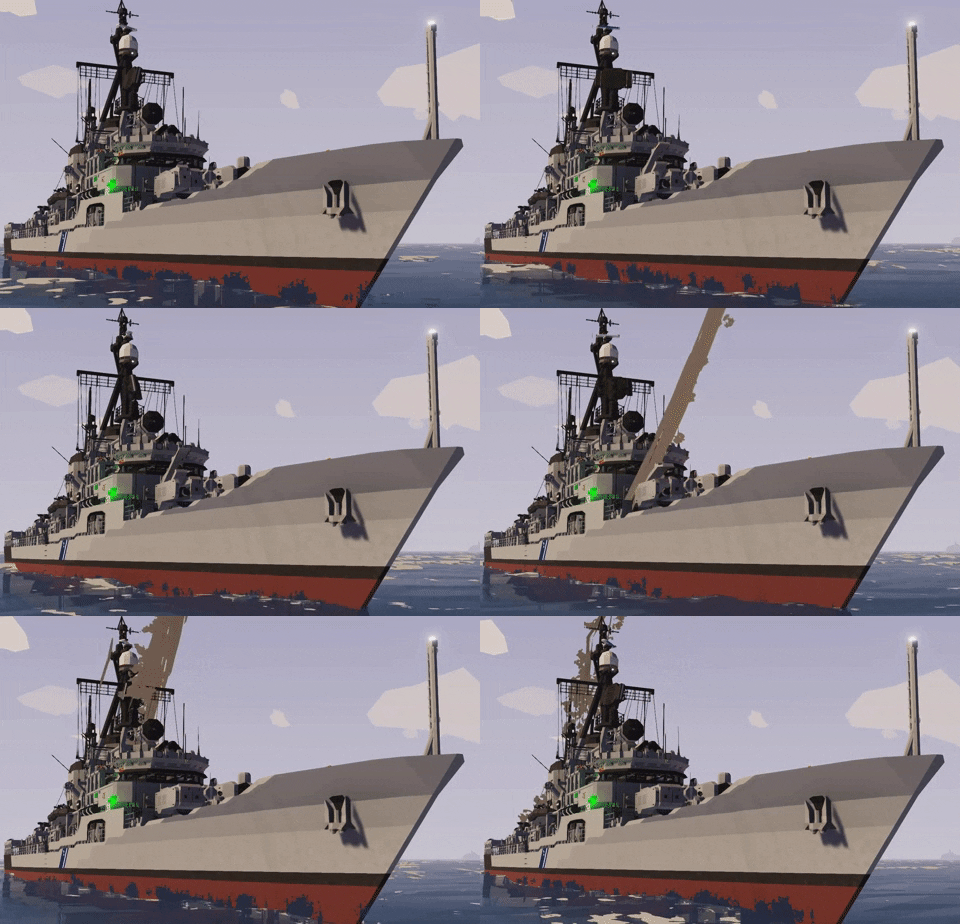
DESCRIPTIOND-65 Culverin is the lead ship in the "Weapon" class guided missile destroyers and represent the 2nd generation of modern Newquay destroyers built from the ground up to carry guided weapons. Designed around the JTAC-ADV fire control system, Culverin is a multi-mission capable platform which can operate independently from other platforms. However, they are commonly seen as part of escort flotillas with Hood class frigates covering the merchant lanes, fleet escort, or as part of a surface action group with a Windsor class cruiser. Their versatility, speed and reliability make them workhorses for the Newquay navy and as such make up the bulk of the surface fleet with 67 ships in the class and sub-classes.
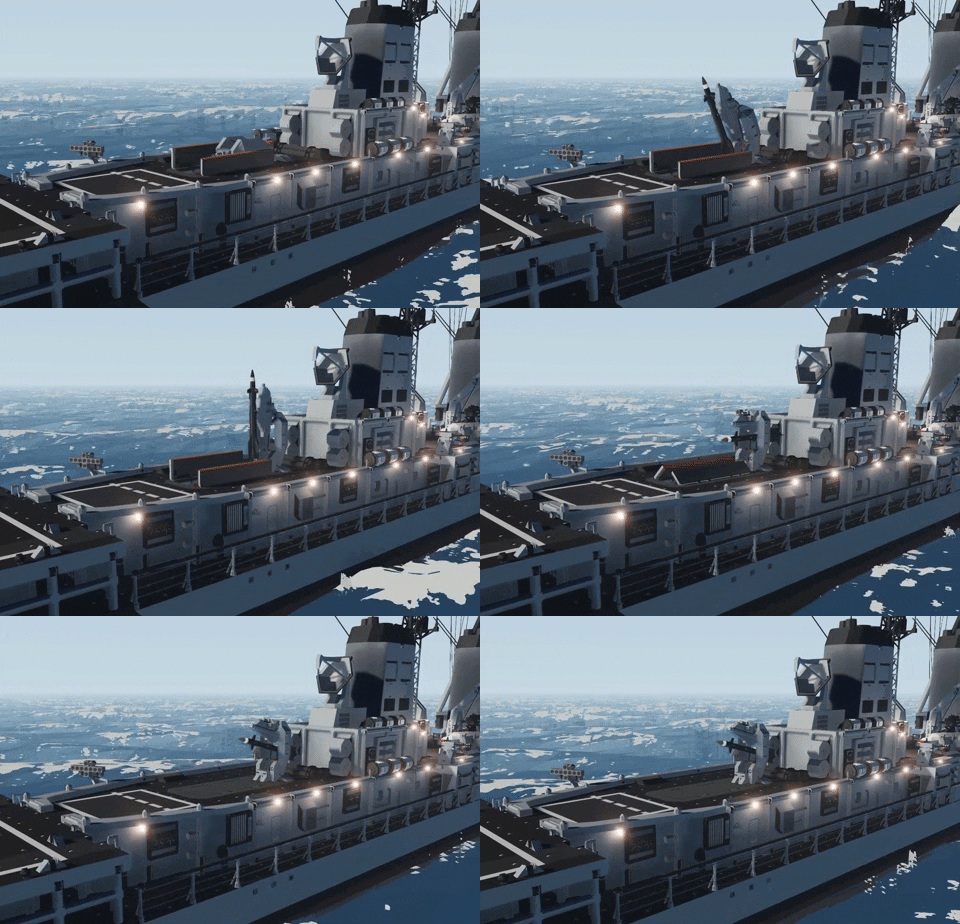
**Requires a modded workbench or mission to spawn**Culverin is equipped with a BL Mk. 44 quick firing 5in twin mount for Anti-Ship and Anti-Air duties when loaded with fragmentation rounds. A four missile BGM-35 armored box launcher used for precision GPS guided strikes up to 100km. Two LM20 LAC for interdiction and small craft. Finally a six shot AIM-14 SAM swing arm launcher rounds out the ships air defense weaponry. Her four gas turbines give her an economic cruising speed of 25 knots but is capable of 40 knot sprints.
HOW TO USE
– Turn on all the breakers on the bridge (Switches on back wall)
– Turn on all the engine switches to the right of the helm
– Hold the engine start buttons with throttle open past 1 until engines start
– All weapons controlled from CIC behind the bridgeTO MANUALLY GUIDE THE WEAPONS:
– Go to the BRIDGE
– Press ACTIVATE SYSTEM
– Press TGT and then LAS, point where you want to shoot.
– Fire using your trigger button (Default = Spacebar)TO GUIDE THE WEAPONS WITH RADAR (Make sure the fire control radar is aimed at a target):
– Press ACTIVATE SYSTEM
– Press TGT
– Fire using your trigger button (Default = Spacebar)
BUTTON DEFINITIONS:
– MANUAL CONTROL: This will let you take control of where the fire control radar points at.
– MANUAL GPS TARGETING: Allows BGM-35 system to target something outside of visual range.
– TGT: Abbreviated for "target", this will point all the guns at the radar/laser target you are looking at. It will also transmit GPS coordinates of that target via radio.
– LAS: Abbreviated for "laser", this will turn on the laser and send laser gps co-ordinates and allow you to point the guns where the camera is facing.
– RECEIVE JTAC COORDINATES: The turrets will point at received JTAC coordinates. This requires another transmitter to be actively transmitting coordinates on the same frequency to work.
FEATURES
– JTAC-ADV Targeting and fire control
– Rapid Firing Dual purpose gun mounts
– Automatic target lead and tracking
Credits
– JTAC-ADV by Seb
– Map Screen by Buntuu
– Hull by Quartz
– Oh No Look Who for general help & OLS
– If I missed something let me know in the comments

