Discord Integration
1. Open the downloaded Steam Workshop Folder of this Mod
(Your Steam Directorysteamappsworkshopcontent3626201333891725)
2. Copy the two XML-Files to "steamapps/common/Software_Inc/DLLMods".
If you don’t have the DLLMods folder create it.
3. Rename "discord-integration.xml" to "discord-integration.dll"
4. Rename "discord-rpc.xml" to "discord-rpc.dll"
5. Start the Game and enable the Mod in Options > Mods by checking the Checkbox.
Software Inc. won’t be detected by Discord by default.
If you haven’t done already add the game manually to your games list inside Discord.
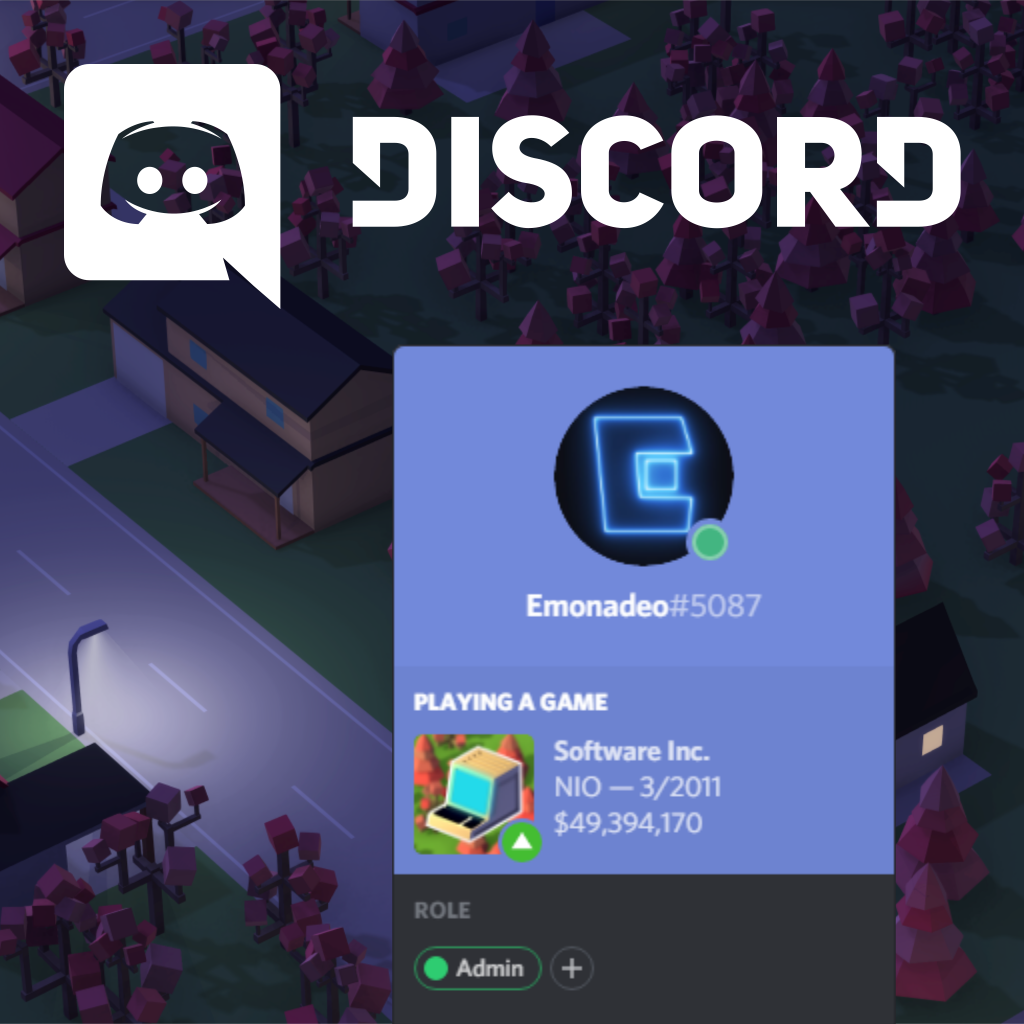
This Mod will include Discord’s Rich Presence feature in this game, showing following things:
* Your Company’s Name
* Money
* Month & Year of the Game
* Logo, changing backgrounds based on the season
* Profit/Loss of your company in the last month with the exact number when hovering over the icon
Speaking of which, Software Inc. also has an unofficial Discord Server, where you can talk to almost 300 other players, modders and the creator of this game.
Click me[discord.gg]

