Smooth Mouse Look (Minecraft’s Cinematic Camera)
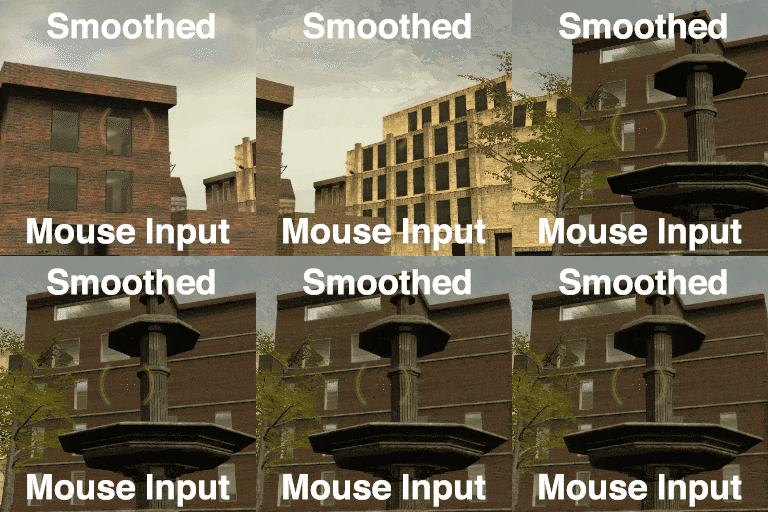
Many of you will see the title and immediately know what this is. It’s an acceleration filter on your mouse input, with a short attack and a long release. And it’s probably best known as "Cinematic Camera" in Minecraft.
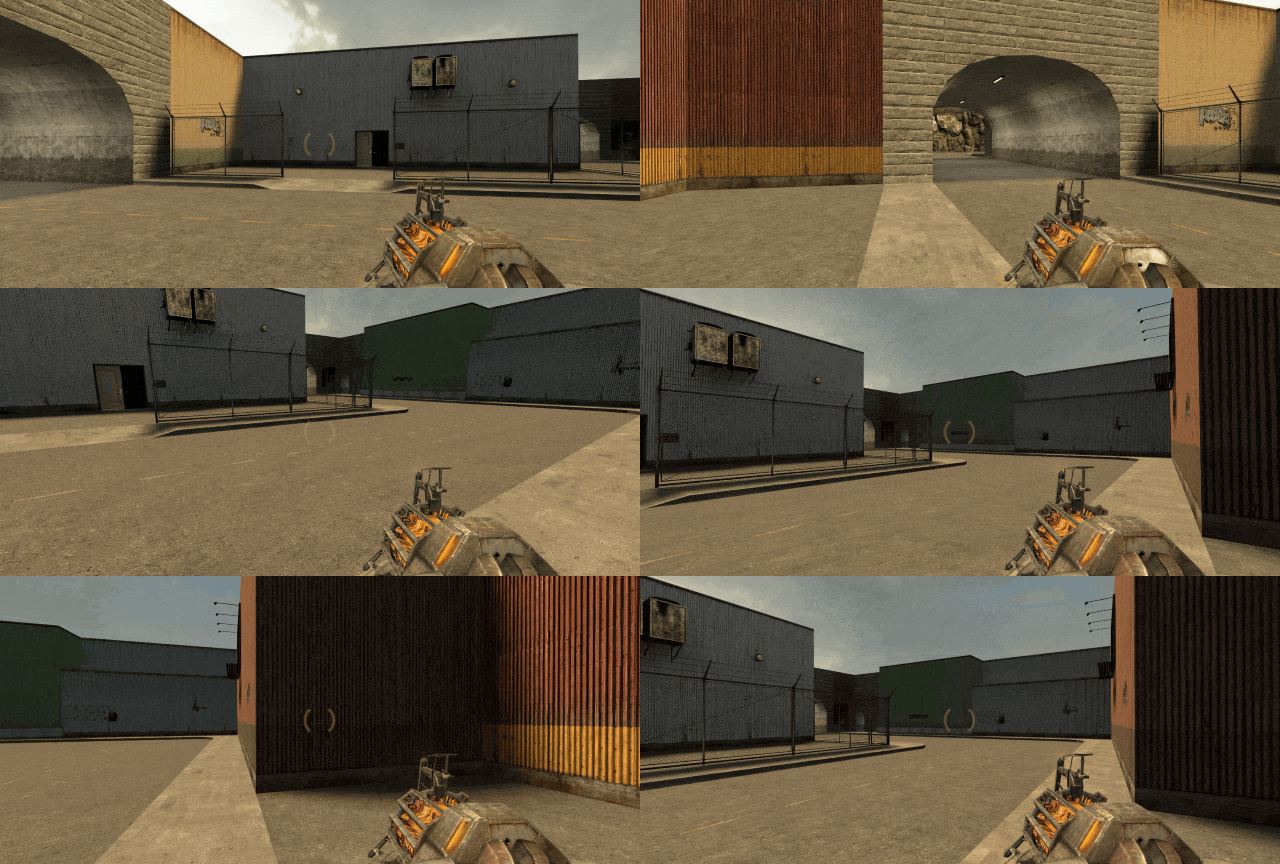
In fact, this addon truly is a faithful copy of Minecraft’s Cinematic Camera, replicated exactly from its source code. You can use it just how you would in Minecraft – pretty useless in most gameplay scenarios, but helpful when you need to record some quick first-person footage and you want it to look like it has slightly-more-than-zero production value.
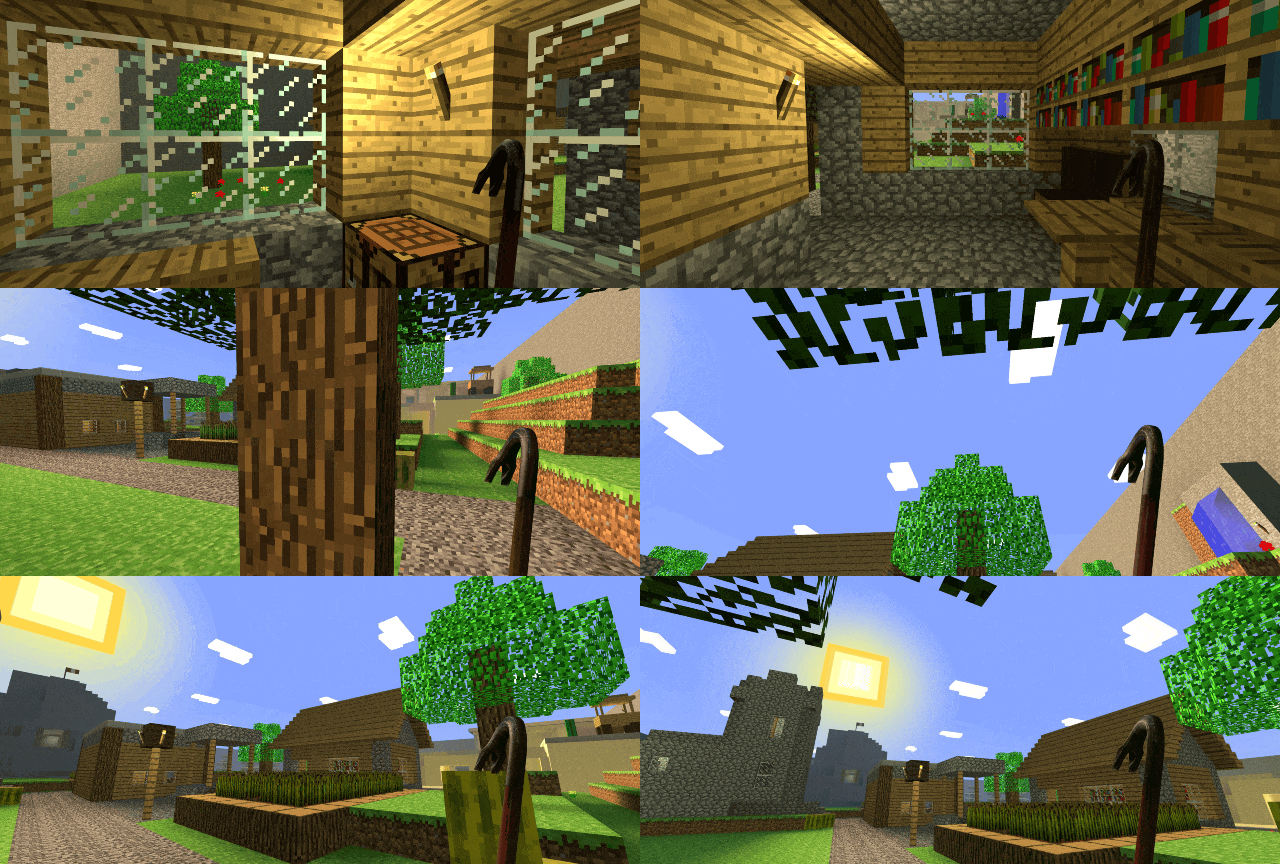
It’s most useful when you need a stabilized or smoothed first-person take, like when panning over a scene, tracking a target, moving around, or any combination of all three. That was the scenario I had which led me to create this addon.
Open the Spawnmenu, click on the Options tab, and find the Smooth Mouse Look section.

On the main Settings page, check the box to enable Smooth Mouse Look.
- Use the Floatiness slider to control the strength of the filter.
Low values like 0.3 are subtle and responsive. Similar to L4D.
High values like 0.7 are slow and broad. Similar to Minecraft. - Expanding the Advanced section will show additional options for atypical use.

On the Hotkeys page, you can set a keybind to quickly toggle Smooth Mouse Look on and off.
By default, it’s set to F8 – just like in Minecraft.
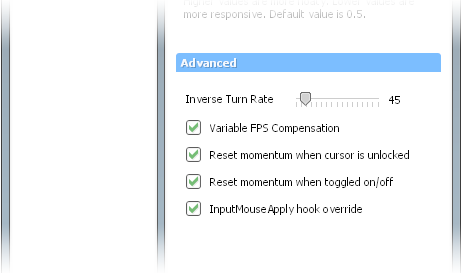
(These options all have descriptions while in-game; this screenshot just omits them for bevity.)
Generally, you should leave all of these options enabled & at their default values.
- Disabling InputMouseApply hook override might improve compatibility with other addons that use the mentioned hook, but it can introduce errors in your mouse input.
When disabled, it is critical that Inverse Turn Rate is set correctly (usually 45).
Are you a brainlet currently typing up a "smooth mouse bad u rеtаrd stpuid addon" comment? Can you count your all chromosomes and brain cells on just one hand? Are you utterly incapable of performing basic tasks like reading addon descriptions?
If you answered yes to these questions, then STOP! and instead look at this very different addon I made! I promise it is very helpful and useful to apes like you!
(Needless to say, if you are normal functioning human being who didn’t fail elementary school, please carry on commenting as usual.)

