Planet type and parallax changer + instant terraformer
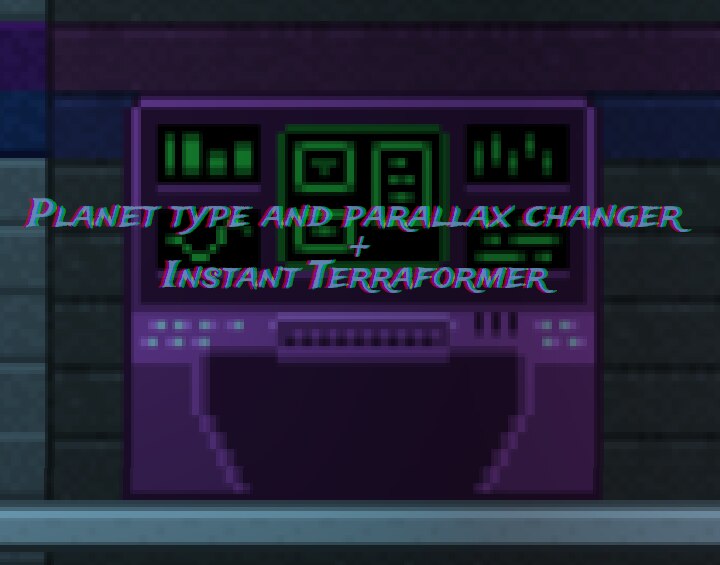
This mod is intended as a "god-mode" tool.
It will enable you to:
– change the planet type reported in the ship’s navigation screen.
– change the planet’s parallax without terraforming the planet.
– Terraform a planet instantaneously
– Decide the size in blocks of the terraforming area precisely
– expand the radius of the sub-biome where the player is currently standing
If you do not want to use admin commands there’s a patch that makes all the items of this mod craftable from the emptu-hands crapìfting (the menu that pops up when you press "C"), get it here
to begin craft either the Planet type change console or portable version:
/admin
/spawnitem planet-type-changer-obj
/admin
or
/admin
/spawnitem planet-type-changer-portable
/admin
Interact with the console with the "E" button
or
equip the portable version and click the left mouse button (primary fire)
It will open the interface.
There are 4 tabs "Change Planet Type"-tab, "Terraformer/microformer"-tab, "Expand Region"-tab and "Parallax Changer"-tab
After opening the interface the "Change Planet Type"-tab Will be open
To change tab use the buttons on the bottom.
The mod will try to do its best to audodetect modded biomes, it will parse terrestrial_worlds.config and dungeon_worlds.config but still it may fail to detect all modded biomes.
You can still terraform or change the parallax to an unlisted custom biome by entering its name manually in the text field.
You will find the correct name by unpacking the mod’s pak file, biomes are inside "biomes/" path.
Open the .biome file with a text-editor, the biome name is in the field "name".
Parallax can be changed succesfully only for biomes that define a parallax (look for the field "parallax" in the biome file)
Allows you to change the planet type reported in the ship’s navigation screen.
Click on a biome type in the list of biomes and click "CHANGE!"
Changing planet type will affect weather
Allows you to terraform a planet instantly (loading times still applies)
Click on a biome type in the list of biomes
Choose the radius in blocks for the terraforming process and click "TERRAFORM!"
Allows you to expand an already present sub-region and terraform what’s inside of the selected radius
Choose the radius in blocks for the expansion process and click "EXPAND!"
It will allow you to change the parallax for the whole layer where the player is standing.
There are 8 layers: space, atmosphere, surface, subsurface, underground1, underground2, underground3, core.
The mod can autodetect which layer the parallax change will affect to some extent:
– If the player is present in either the space or atmosphere layer.
– If the player is present in the surface layer
-If the player is in one of the other underground layers (subsurface, underground1, underground2, underground3, core)
Biomes that do not have a parallax defined (such as some mini-biomes like alpine etc..) won’t be present in the list

