Tactical Flyover
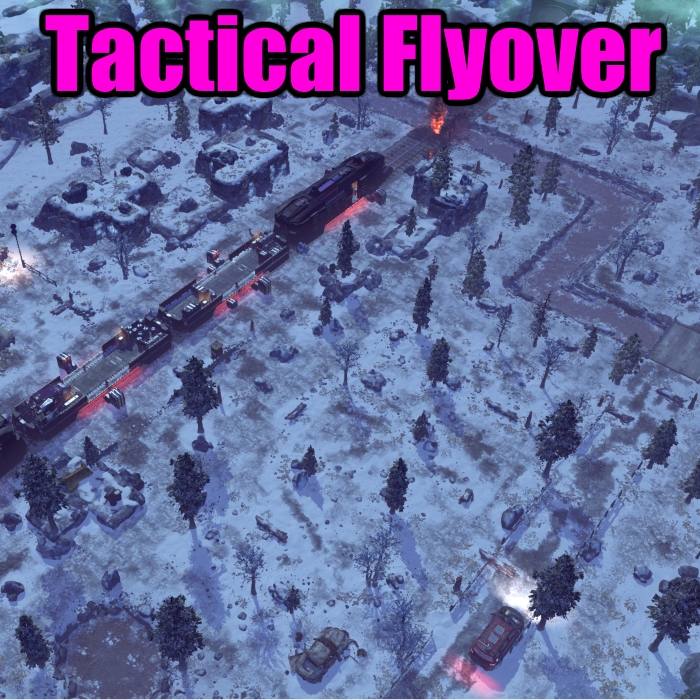
First Full Release
Don’t load a game during a flyover, and you’ll be all good.
Massively configurable
check steamappsworkshopcontent268500657304953ConfigXComFlyoverTimings.ini
If you make changes, back up the ini file
Setup
- Squad View
- Button in the UI. Click this to view your squad up close. It’ll pan around the unit you have selected. Check config to change timings.
- Tactical Overview
- By default, it’s enabled as an ability for Corporals or higher. You can change this in the config.
- Disables itself after the first turn (you can turn this off)
- You can also craft an item (unlocked alongside battle scanners) which lets you do it any time.
- It’ll tag explodable items on the map
- It’ll draw borders around the map perimeter.
Notes
- The Ability will only appear after you’ve been to the avenger. No way to jack new abilities into the middle of a battle, I’m afraid.
One of the transitions (flyover) is still a little janky. I’m working on it.
Video is updated.


