C-45 Balmoral Light Crusier


Newquay Armed Forces Collection
DESCRIPTIONC-45 Balmoral is the second ship in the Windsor Class light cruisers built at the tail end of the second world war. With all 5 being mothballed after the war the need arose for a vessel capable of providing heavy fire support of seaborne invasions, and convoy escort. As such the Windsor, Balmoral, Holyrood, Highgrove, and Sandringham were all reactivated and refitted as guided missile cruisers with their aft main turrets replaced with 2 four missile SA.7 SAM batteries, and upgraded radar suites. After the decommissioning of the Battleship Tiger, the Windsor class cruisers are the largest single surface combatants employed by the Newquay Maritime Branch
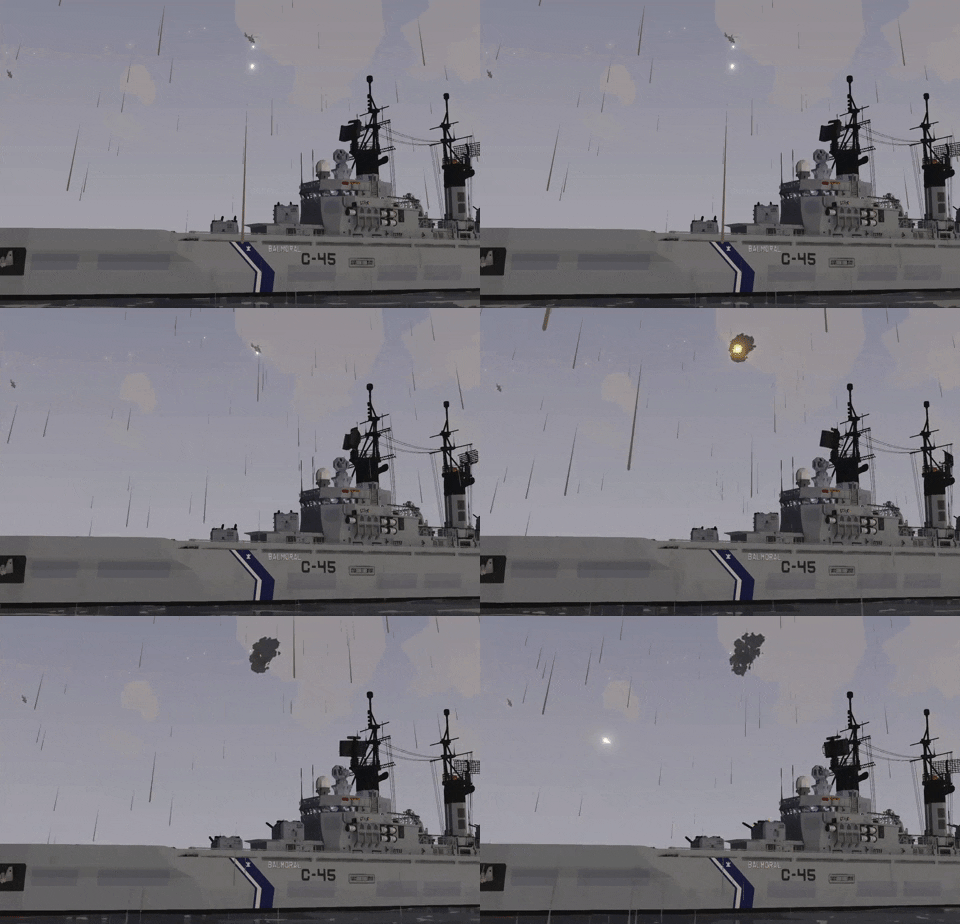
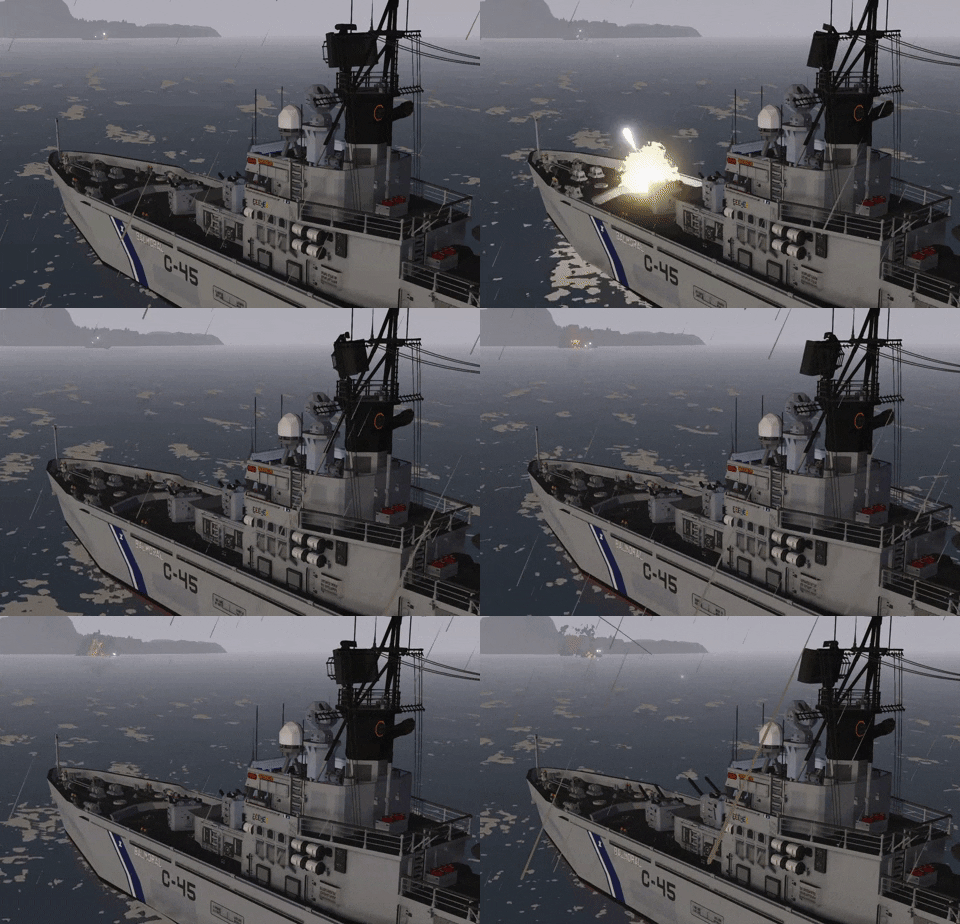
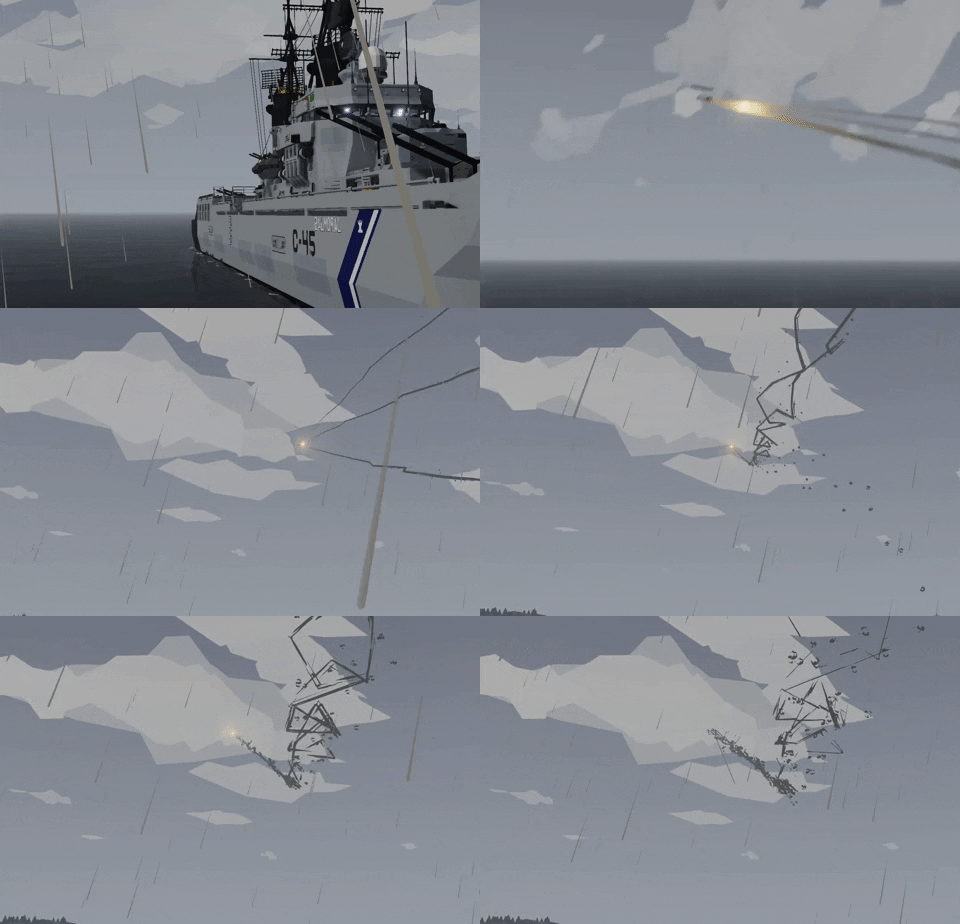
**Mission File that spawns at Creative Island, req. low physics**Balmoral is equipped with two BL Mk. 20 rapid firing 5-in dual purpose gun mounts capable of medium range anti-air, long range anti-ship and shore bombardment duties. The ship retains it’s twin 40mm dual purpose mount on the center-line for dealing with less pressing threats. and the AIM-7 Surface to Air Missile system which can handle any and all air threats the ship may encounter
HOW TO USE
– Turn on all the breakers on the bridge (Switches on back right wall)
– Go down to the lower level of the engine room and light the boilers
– Go to the upper level of the engine room and increase blower fan throttle
– When Steam Pressure is above 5 open both main and aux steam headers
– All weapons controlled from CIC behind the bridge
TO MANUALLY GUIDE THE WEAPONS:
– Go to the BRIDGE
– Press ACTIVATE SYSTEM
– Press TGT and then LAS, point where you want to shoot.
– Press the desired weapon to arm, (L30M rely on the JTAC-ADV system to function!)
– Choose between SINGLE/AUTO Firerate (Single will retire pulling the trigger twice on spawn to load first)
– Fire using your trigger button (Default = Spacebar)TO GUIDE THE WEAPONS WITH RADAR (Make sure the fire control radar is aimed at a target):
– Press ACTIVATE SYSTEM
– Press TGT
– Press your desired weapon to arm.
– Fire using your trigger button (Default = Spacebar)
BUTTON DEFINITIONS:
– MANUAL CONTROL: This will let you take control of where the fire control radar points at.
– TGT: Abbreviated for "target", this will point all the guns at the radar/laser target you are looking at. It will also transmit GPS coordinates of that target via radio.
– LAS: Abbreviated for "laser", this will turn on the laser and send laser gps co-ordinates and allow you to point the guns where the camera is facing.
– RECEIVE JTAC COORDINATES: The turrets will point at received JTAC coordinates. This requires another transmitter to be actively transmitting coordinates on the same frequency to work.
FEATURES
– JTAC-ADV Targeting and fire control
– Rapid Firing Dual purpose gun mounts
– Automatic target lead and tracking
Credits
– JTAC-ADV by Seb
– Boilers by RandomThingsPosted
– Bridge Equipment by Zizo
– Oh No Look Who for general help & OLS
– If I missed something let me know in the comments
Revisions:
Old revisions of this mod are available below. Click the link to download.

