Bocchi the Rock! ぼっち・ざ・ろっく!(Album)

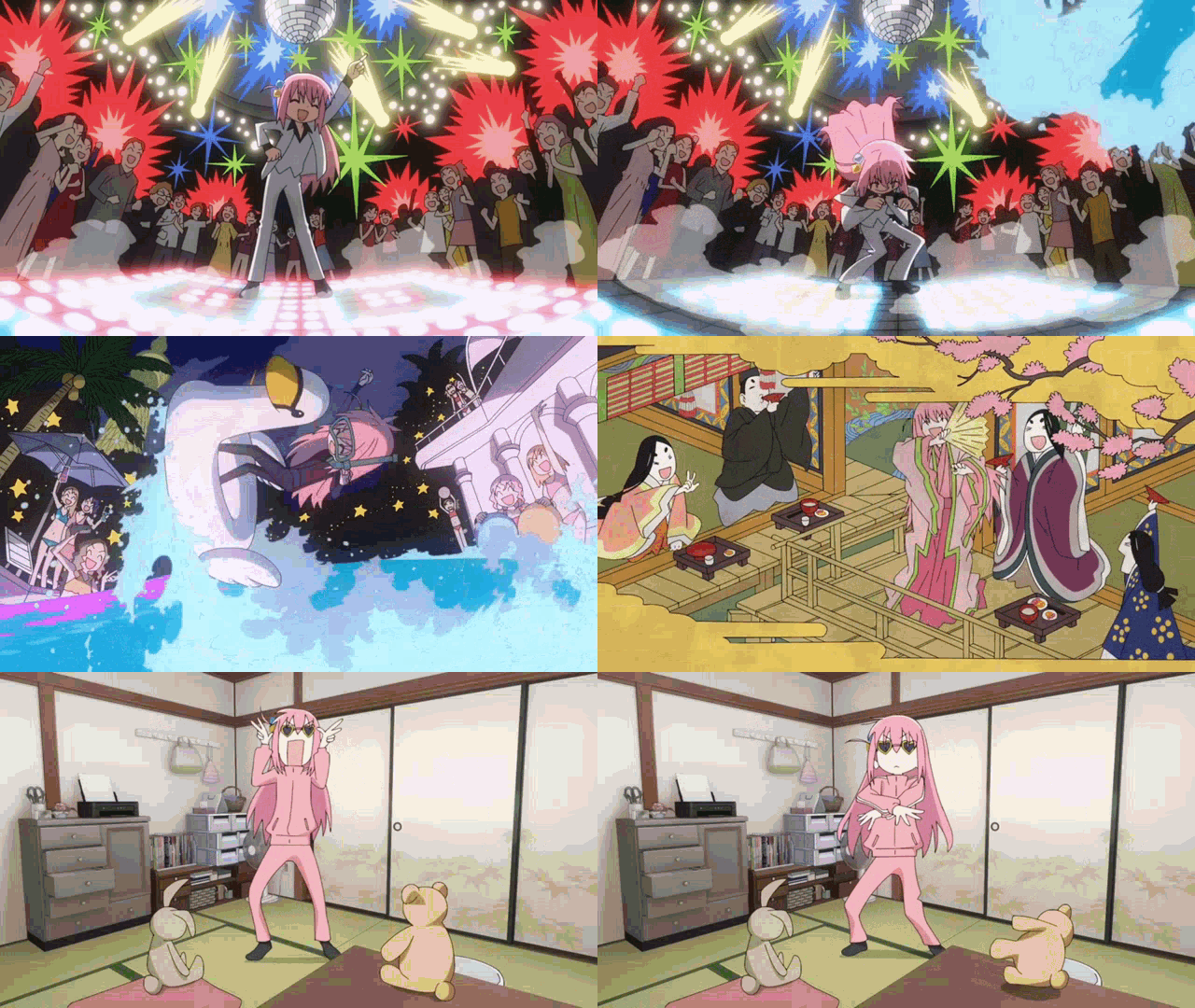
This is a Web Wallpaper Design inspired by Bocchi the Rock! I released this before episode 12 to hype myself for the upcoming episode. I will of course update the songs that will be released in the album that the producers of Bocchi have mentioned. I will also release the GitHub repo and a file that other non-steam users can download. I hope you like the wallpaper that I created!
List of people who contributed with this project to make it more awesome. <3
> @Joehu contributed a lot of features and improvements.
> @Fruity Trump
> @Angelcr
> And you who subscribed to my work, leave a comment to lmk what should I do more in the future, I always read them <3 Thanks and a have a great year ahead. -Cube 12/2024
Toaru Majutsu no Index (Album) Version: https://steamcommunity.com/sharedfiles/filedetails/?id=3439284812
You can see the change notes for a list of updates and improvements!
Update Issues:
When the wallpaper suddenly disappears and icons or images seem to be missing, it’s often due to a wallpaper update, which is usually when this issue occurs.
To do:
– Unsubscribe from the wallpaper
– Close Wallpaper Engine
– Close Steam, then open it afterwards
– Resubscribe to the wallpaper
– Then launch the wallpaper engine
FAQ:
1.) No sound when the music player is on.
~If you hear clicks when using the player but no audio, the volume of the player could be at "0" which can be fixed by clicking on the icon that has a "+" symbol. If you hear no audio at all then the wallpaper engine itself is muted.
2.) There are fewer functions from what I’ve seen from others.
~If you click on the spinning setting icon on the top right corner of your monitor you can use it to pop up a navigation drop list where the functions can be turned on.
javascript:ValidateForm()
3.) Music player must be turned on to play the music. It is impossible to play music without the player turned on, it is to prevent users from having a difficult time muting the song if they accidentally tabbed.
Chinese translation for FAQ. ~Google Translate.
1.) 音乐播放器打开时没有声音。
~如果您在使用播放器时听到咔嗒声但没有音频,则播放器的音量可能为“0”,可以通过单击带有“+”符号的图标来修复。如果您根本听不到任何声音,则壁纸引擎本身已静音。
2.) 我从别人那里看到的功能较少。
~如果您单击显示器右上角的旋转设置图标,您可以使用它弹出一个导航下拉列表,可以在其中打开这些功能。
3.) 必须打开音乐播放器才能播放音乐。没有打开播放器是不可能播放音乐的,这是为了防止用户在不小心点击时很难将歌曲静音。
How to change and remove visuals?
You can use the setting icon on the top right to change the visuals and other stuff it will automatically save any changes made.
Add your custom music.
各位,想往里面加歌需要需要以下步骤:
①将歌曲源文件放入下面路径:2905017768assetssongs歌曲名称.flac(注意:必须是flac格式)
②将歌曲封面放入:2905017768assetsicons封面须与歌曲同名.jpg
③前往『2905017768staticjs』路径下,用记事本和汇编软件打开『.js』文件,按住『Ctrl+F』输入『f = JSON.parse』文档自动索引,可以看到对应的『id:1』到『id:19』是已有的歌曲的歌单显示配置。你需要在id19的对象后添加新歌曲的显示配置,按照如下格式:
④保存,重加载壁纸。
示例:
Steam Group Link:
http://steamcommunity.com/groups/WE_WeebGroup
GitHub Link:
https://github.com/OriginalCube/Bocchi-Wallpaper
Twitter Link: If you have questions and stuff.
@originalcubee
Of course, I don’t own any of the artwork or music used in this wallpaper.
Link of the band: Kessoku Band!
Special Thanks to "MRKM"!
Other Works:
https://steamcommunity.com/id/OriginalCube/myworkshopfiles/
Revisions:
Old revisions of this mod are available below. Click the link to download.

