Lighting, Sky and Environment Overhaul
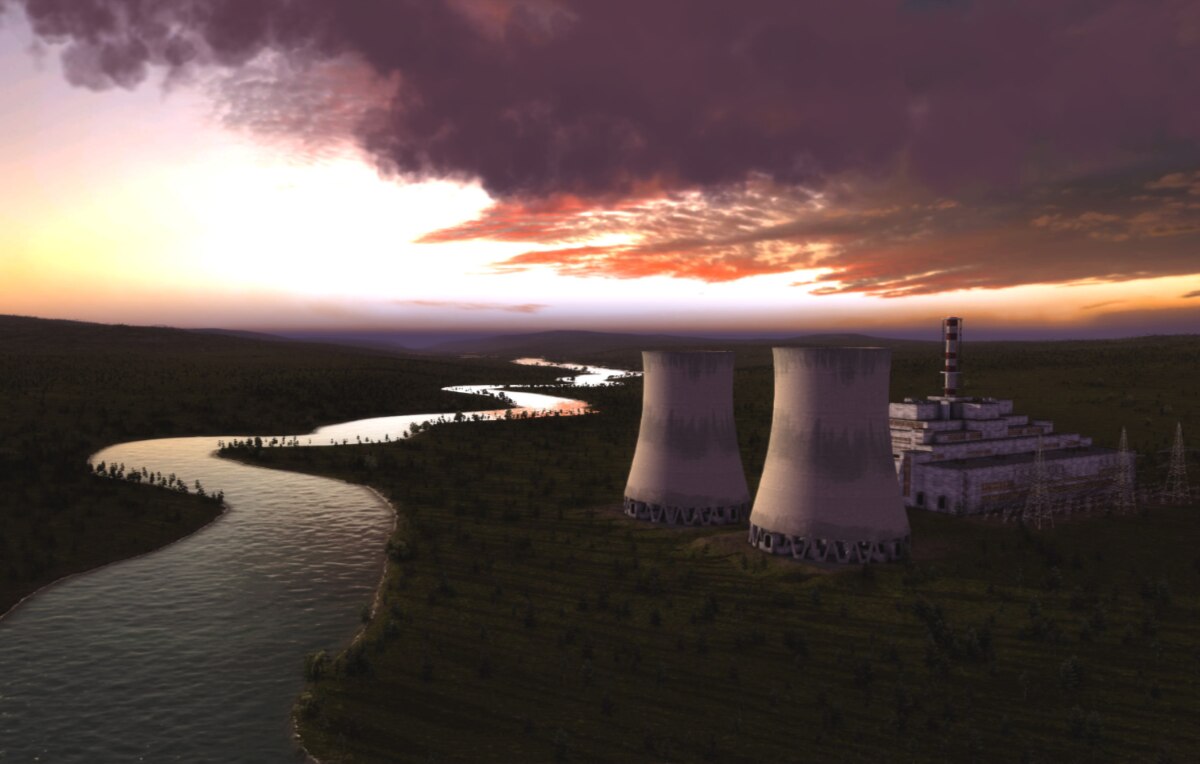
My attempt to tweak the lighting, weather, ground textures, trees and skybox to get things looking as realistic and pleasing as possible.
In general I’m shooting looking realistic, characterful, attractive, and not being too dark to play no matter the weather.
The is a fair bit more bright and colorful and less foggy, and gives much longer view distances too. Of course if you’re looking for a more drab and moody look, this overhaul might not be for you.
Anyone is welcome to do remixes/tweaks of this pack, just please add me as a co-author if you do 🙂
NOTE: Some users are reporting this crashes on the non-beta branch, although I haven’t been able to replicate that myself yet. Something to be aware of!
UPDATE 30/06/23 – Lowered day brightness a little, Recolored trees and gravel/dirt roads, now no longer needs any other texture packs to look good. Please delete the mod from your workshop folder, redownload and recopy into your game folder.

Daytime is clearer, less foggy, more colourful and contrasty, and has a much bluer sky, grass textures are a more lush green.

Night is a lot brighter, with some use of desaturation and blue tones to give a night like feel without being as unplayably dark as default night can be.

Sunset is a lot more rich, orange and "sunsetty" and has a nice new skybox (which sadly doesn’t always align perfectly in moving sun mode, but still looks good IMO). Building lights also come on during sunset.

Fall ground/grass is more muted and like dry dead grass not bright orange. Fall trees much more orange.

Overcast is less dark, more playable, and aims to mimic the low contrast, soft shadow, high saturation look of a real world cloudy day. Building lights also come on during overcast times.

The daytime changes also make winters look very bright and clean, although they do lose the kind of hazy look they used to have, which might not appeal to everyone.

0 (optional). Install the suggested texture mods from Pingu, Make sure to ONLY use the paths folder from Pingus Texture Composition, as the others will overwrite my textures.
1. Subscribe to this mod and wait for it to download.
2. Right click on the game in Steam, select Manage > Show Local files. You will be taken to the game folder, usually ‘steamappscommonSoviet Republicmedia_soviet’.
3. Find the folder with the mod. To do this, open another window with the same address that you have open now, then go up a few levels to the folder ‘steamapps’, then go to the subfolder with the mod ‘steamappsworkshopcontent7841502991013279 ‘.
4. Copy the folders from the Media_Soviet.zip file into the Media_Soviet folder of your game install. (if you have terribly slow internet you might want to make backup copies of the original folders in your install)
For updates you have to copy the current data again into the appropriate folder as before. If your mod folder does not contain the Current Data, you will need to unsubscribe & resubscribe the mod once so that it downloads the latest version.
Option 1: During install, make backups of the Weathers, Tiles_Normal, Paths, Trees, Grass and EditorsModels folders in from your media_soviet folder so you can put them back later.
Option 2: If you don’t mind downloading them again, delete Weathers, Tiles_Normal, Paths, Trees, Grass and EditorsModels folders then go press play on Steam and it’ll redownload the default versions again.
I did a reskin of the entire UI & Resources icons of Soviet Republic, if that’s your kind of thing.
https://steamcommunity.com/sharedfiles/filedetails/?id=2988567639


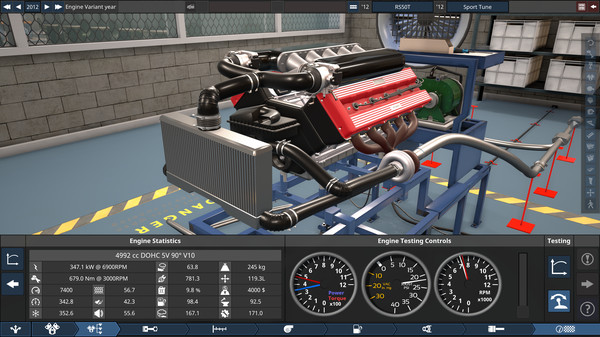
I’m also a game developer as a day job, if you like really detailed games about cars and engineering them, check out Automation: The Car Company Tycoon Game
If you like what I’ve done, please consider contributing to the staggering amount of coffee it took to do the late nights on this mod <3 – https://ko-fi.com/daffyflyer
Revisions:
Old revisions of this mod are available below. Click the link to download.

